

A Calgary household has a Smart TV upstairs, a Firestick in the basement and people who want different programmes at the same time. Searching for IPTV providers near me usually comes down to practical questions: will the service work at this address, on these devices, and at a price you can check before paying?
The useful comparison is not just which company has an office nearby. An internet-based subscription can serve a household with a suitable connection, subject to service terms and content availability. Regional cable and fibre TV services depend on local infrastructure, so eligibility can change from one street to the next.
These seven options cover a Canada-focused IPTV subscription and established regional television services. Compare address eligibility, authorized programming, device support and the complete household bill, rather than channel counts alone. Trial access can help you evaluate playback, but it doesn't establish distribution rights or guarantee future performance. For any service, verify the channels you want, the applicable cancellation terms and the identity of the business taking your payment.
Table of Contents
- 1. WATCHING FORCES
- 2. Rogers Xfinity TV
- 3. Bell Fibe TV
- 4. TELUS Optik TV
- 5. Videotron Helix TV
- 6. SaskTel maxTV
- 7. Eastlink TiVo Stream
- How the Seven Canadian Options Compare on Price and Fit
- Choosing a Provider You Can Verify at Home
1. WATCHING FORCES
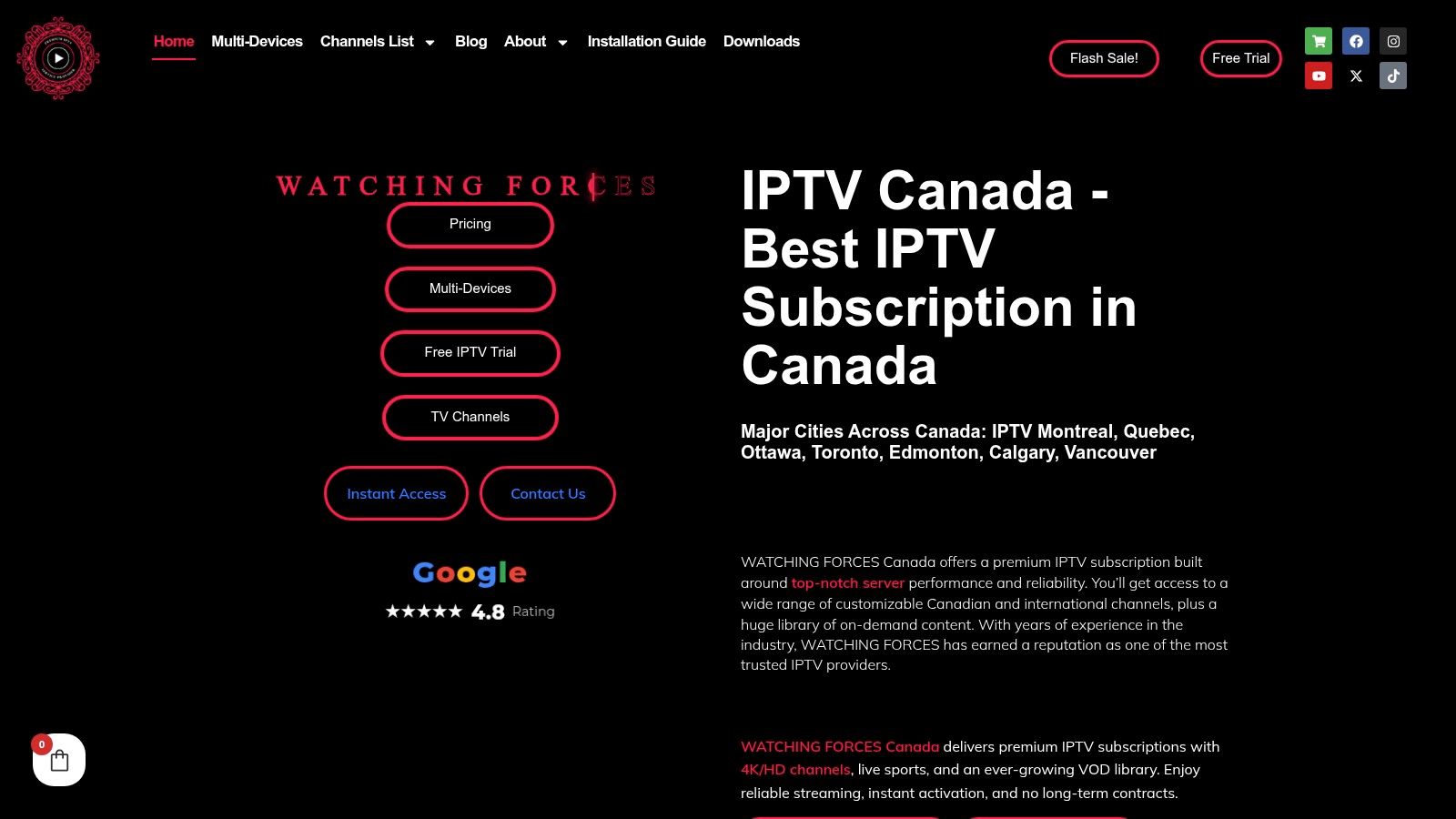
WATCHING FORCES suits households comparing internet-based television without a traditional cable connection. Our packages include Canadian and international live channels, sports, movies and on-demand programming. Confirm the specific channels and their authorized availability before subscribing, especially for regional sports.
Our connection options accommodate one to five simultaneous streams, so different household members can watch separate programmes at the same time. Supported equipment includes Fire TV, Android devices, Smart TVs, Apple TV, Roku, Chromecast, MAG and Formuler boxes, phones, tablets and computers. Compatibility still depends on the exact device and player, so a supported brand name isn't enough to establish that every model will work.
What to test before choosing a package
Our infrastructure includes locally hosted, fibre-connected servers, load distribution and continuous monitoring, with round-the-clock support reachable by email and WhatsApp. These measures support playback, but they aren't a promise of uninterrupted viewing.
- Picture quality: We advertise SD through 8K viewing options with internet-speed adaptation, but delivered resolution depends on the programme, equipment and connection.
- Household fit: Test different programmes simultaneously on the devices you intend to use.
- Setup costs: Confirm whether your chosen player requires a separate licence and whether that licence is included.
- Commercial terms: Our site advertises a credit-card-free 24-hour trial where eligible and currently offered, a seven-day money-back period, no contracts and no automatic payments.
Prices are presented in CAD with applicable taxes, so check the final amount at checkout and don't assume a limited-time discount remains available. The website publishes channel lists and a VOD library you can review before paying, along with an M3U-to-Xtream Codes converter and a reseller program for buyers who need them.
Our Canadian IPTV comparison guide can help you narrow your requirements before exploring an eligible trial. Use statistics on streaming costs as broader reading, not as a substitute for your own subscription totals.
The trade-off: flexible devices and household connections are useful, but you still need to verify the lineup, rights and refund conditions before paying.
2. Rogers Xfinity TV
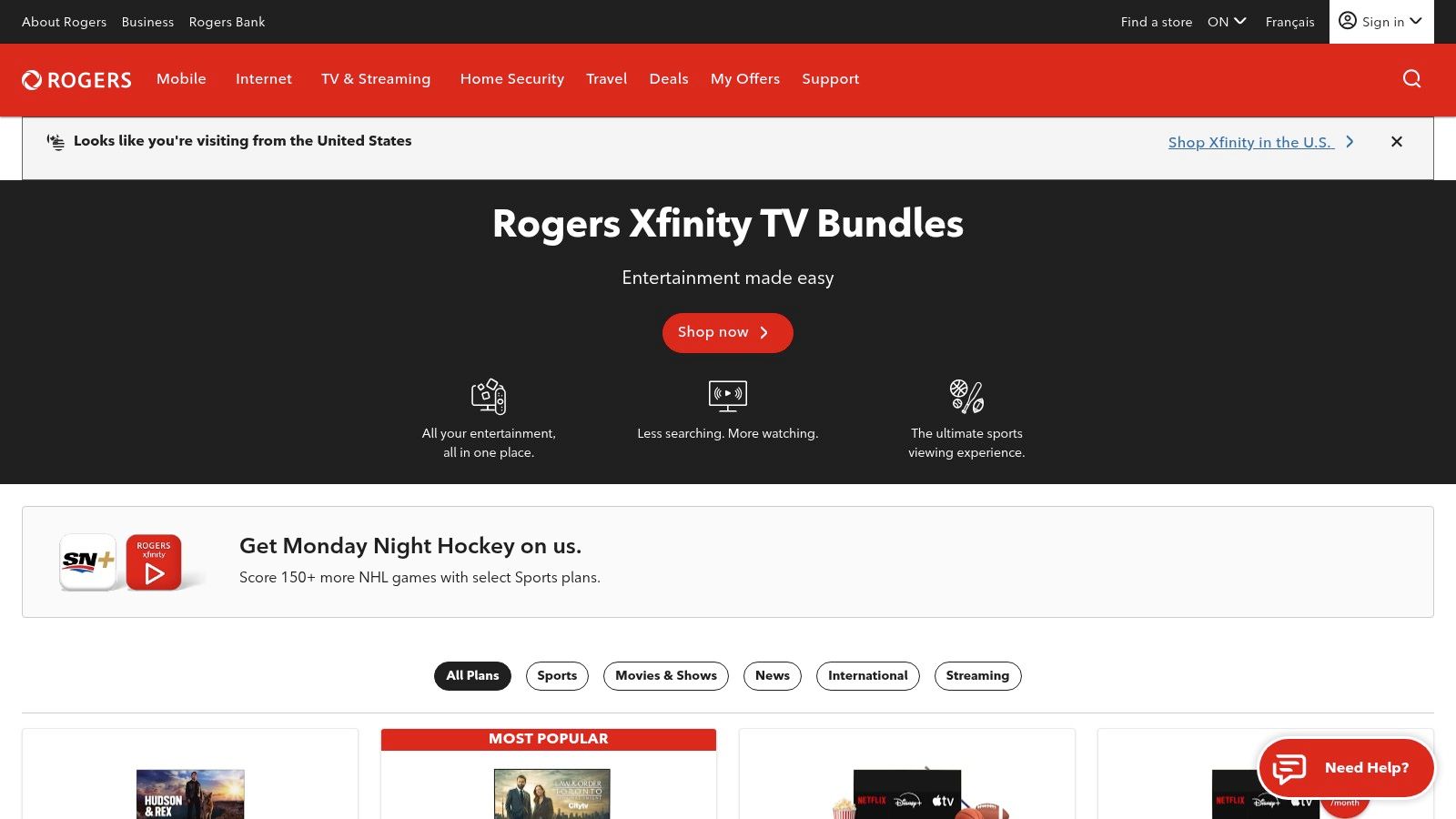
Rogers Xfinity TV is worth checking if you want a choice between app-based viewing and a television box with a voice remote. Its packages combine live television, sports and on-demand programming, while eligible bundles can include separately identified streaming subscriptions. Don't assume every package includes every streaming app displayed in the interface.
Rogers' television plans list App TV from CAD $15/month, App TV with StreamSaver from CAD $30/month after promotional credits, and packages with up to 170 channels. Those figures aren't an address-specific quote: confirm taxes, eligibility, regular pricing and the date promotional credits end.
Buying rule: Compare the bill after the promotion expires, not just the amount displayed beside the offer.
The app-only route requires Rogers internet, which matters if you're happy with another broadband provider. A lower television price may be less attractive once you include the internet service you'd need to change.
App convenience or a familiar remote
For a household that mainly watches on a living-room television, the box and remote may be easier than managing separate app logins. The Rogers Xfinity Stream app offers another viewing route, but check supported devices, concurrent viewing and out-of-home restrictions before relying on it.
Strengths include package choice, sports options and consolidated billing. Limitations include address-dependent availability, internet requirements and promotional pricing that may change.
Our explanation of how Rogers IPTV works helps distinguish the delivery method from the package you buy. For sports, verify the specific Sportsnet+ entitlement or channel selection rather than treating a sports label as complete coverage.
3. Bell Fibe TV
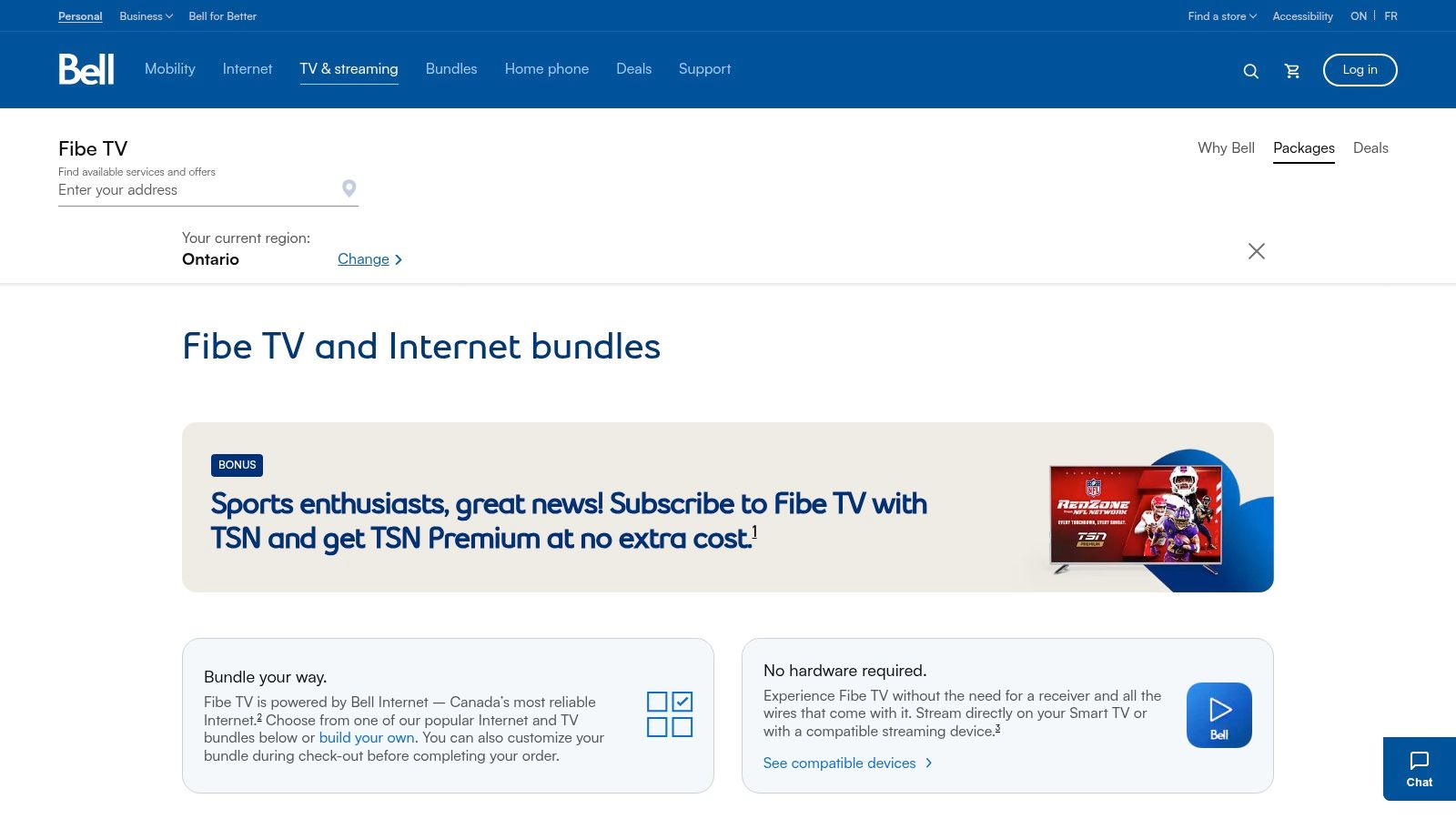
A household that watches Canadian news, familiar networks and a few specialty channels may prefer Bell Fibe TV's package-and-add-on approach. Start with the channels you watch, then price the smallest suitable package rather than choosing a larger lineup by default.
Bell's programming packages list Starter TV at CAD $25/month before applicable credits. Confirm whether the offer is standalone or bundled at your address, and whether internet, equipment charges or a service term apply.
Build the bill around programmes
Bell offers basic and broader specialty-channel packages, with sports, movies and other add-ons. Fibe TV app access is available on eligible plans, but an app entitlement doesn't necessarily reproduce every set-top-box function.
- Best fit: Viewers who want recognizable Canadian networks and a conventional television experience.
- Main advantage: Package sizes and add-ons let you build around a defined channel list.
- Main drawback: Equipment, internet requirements and premium channels can make the total higher than the base television price.
For example, a household focused on local news and occasional movies should compare a smaller package plus a movie add-on against a larger tier. A sports-heavy household needs a different calculation, including the channels carrying its preferred leagues and any regional restrictions.
Our guide to IPTV pricing in Canada explains the cost categories to include. Keep player fees, television equipment, broadband and optional programming separate while comparing quotes.
Bell is an address-based choice, not a service to assume is available throughout a city. Complete the availability check before spending time customising a package.
4. TELUS Optik TV
TELUS Optik TV deserves a place on the shortlist when you already use TELUS services or want theme-pack flexibility. It combines live television, sports and on-demand programming, with viewing through the TELUS TV+ app on compatible devices. Bundles may combine television, internet and streaming subscriptions.
Check TELUS Optik TV packages using your exact address. TELUS has expanded Optik into Ontario, but that doesn't establish eligibility for every Ontario household, nor does it mean offers are identical across regions.
Compare the bundle with keeping your internet
The strongest reason to bundle is practical: fewer bills and potentially simpler support coordination. The drawback is that changing one service can affect the price or eligibility of another, so get the standalone and bundled totals in writing.
- Check the term: Establish how long promotional pricing lasts and what happens if you cancel early.
- Check equipment: Identify included boxes, rental charges and any installation costs.
- Check app support: Confirm your television or streaming device, not whether TELUS TV+ exists.
- Check subscriptions: Identify which third-party streaming plans are included and which require separate payment.
A bundle is useful only if you'd choose the included services independently. Paying for unwanted extras isn't a saving.
For households comparing a provider box with their existing Smart TV, test the everyday actions that matter: opening live television, finding recordings and switching profiles or apps. A convenient interface can be worth more than a longer channel list.
The trade-off: Optik can simplify a TELUS household's services, but location, equipment and bundle conditions require close attention. Don't use another province's advertised offer as your household budget.
5. Videotron Helix TV
Videotron Helix TV is particularly relevant to Québec households comparing French-language television alongside English and international programming. It offers live channels, on-demand viewing and customizable selections, with illico+ included in some plans.
Use Videotron's television availability and package information to establish your local options. Prices, channel availability and bundle eligibility depend on the address and selected package.
Choose languages and channels separately
A multilingual household shouldn't assess a package only by its total channel count. Write down the French news, English entertainment and international programmes each person wants, then match those needs against the actual lineup.
Helix offers app-based viewing on compatible devices, and channel selections can be changed periodically under the applicable terms. That flexibility is useful when viewing preferences change, but confirm when changes take effect and whether premium selections follow different rules.
The advantages are its Québec focus, French-language choices and channel customization. The limitations are regional availability and restrictions on app viewing or out-of-home access.
Before blaming the television service for uneven playback, check the home connection. The CRTC's broadband performance guidance identifies a national objective of at least 50 Mbps download, 10 Mbps upload and access to an unlimited-data option, not a guarantee of stable playback for a particular service.
Test the television room rather than relying on a speed test beside the router. If wired playback works but Wi-Fi playback doesn't, investigate signal coverage and interference before replacing the subscription.
For a Québec household, Helix belongs on the shortlist when its specific language and channel selections match what people watch. Its regional relevance isn't a substitute for an address check.
6. SaskTel maxTV
In Saskatchewan, SaskTel maxTV provides a local alternative to comparing only nationally marketed services. Its packages range from local-channel basics to larger lineups, with PVR features and app access on eligible plans.
SaskTel's maxTV packages list maxTV Lite at CAD $25/month. Larger packages cost more, and advertised bundle pricing may require SaskTel internet or wireless service, so compare the complete arrangement rather than the television line alone.
Lite and full packages serve different households
The Lite option is worth considering if basic viewing covers your needs, but it doesn't provide all the features of fuller packages. Higher tiers include sports channels such as TSN and Sportsnet; verify the precise feeds and package entitlements before choosing around a favourite team.
- Local fit: Confirm that your address falls within the eligible SaskTel service area.
- Recording needs: Establish which PVR functions are included and what equipment they require.
- Existing devices: Select packages support compatible Apple TV and Fire TV devices, but eligibility isn't universal.
- Extra costs: Include equipment, add-ons and any required companion services in your comparison.
A household watching mostly local news has different requirements from one recording several programmes while watching sports. Decide which functions are necessary before choosing the tier, because a cheaper package isn't better value if it lacks the feature you use every evening.
SaskTel's strength is its Saskatchewan focus and clear progression between package types. Its constraint is that service-area eligibility and feature differences can rule out an otherwise attractive plan.
If you're moving, check the new address before assuming you can transfer the same service. Keep any written quote alongside the package description so you can compare included features with the eventual bill.
7. Eastlink TiVo Stream
Eastlink TiVo Stream appeals to viewers who want live television, recordings, on-demand content and streaming apps in a shared interface. It deserves consideration in Eastlink markets, including parts of Atlantic Canada and other communities the company serves.
Eastlink's television packages list TV-only Basics at CAD $90/month and Customizable at CAD $110/month. Bundles and entry-level offers may differ, so confirm address-specific pricing, taxes and equipment conditions before comparing those figures with another provider's promotional rate.
Interface check: Make sure the feature you want works on the device you'll use. A set-top-box function may not be available in the mobile app.
Recordings and channel flexibility
Eastlink combines live viewing with cloud DVR, and some packages offer channel exchange. TiVo+ channels and MultiView add options on the set-top box, while the TiVo Stream app supports eligible viewing on compatible devices within Canada.
That distinction matters for a household planning to watch mainly through phones or an existing streaming device. Don't select a package for MultiView and then discover that your intended app doesn't provide it.
What works well is consolidating conventional television and recordings, with some flexibility to exchange channels. What needs scrutiny is geographic coverage, equipment dependence and the total TV-only cost.
During setup, test a live programme, a recording and an on-demand title separately. If only one category fails, give support the programme name, device, error message and approximate time rather than reporting that everything is broken.
Eastlink is most compelling when its local lineup and recording interface match your household's habits. It's less compelling if you're paying for box-specific features while planning to watch exclusively through an app.
How the Seven Canadian Options Compare on Price and Fit
Proximity decides most of this list before price does. TELUS Optik and Videotron Helix quote by service address rather than a single national rate, so their starting prices are confirmed at your address instead of published as one figure.
| Item | Service Type | Listed Starting Price | Best For |
|---|---|---|---|
| WATCHING FORCES | IPTV subscription with live and on-demand content | Not listed | International channel variety and multi-device households |
| Rogers Xfinity TV | Internet-delivered live TV and on-demand service | $15/month for App TV | Rogers internet customers seeking app-based TV or channel packages |
| Bell Fibe TV | Live TV and on-demand service | $25/month before applicable credits | Viewers wanting Canadian channels and customizable packages |
| TELUS Optik TV | Live TV, sports and on-demand service | Address-dependent; quoted at your service address | TELUS customers interested in TV and service bundles |
| Videotron Helix TV | Internet-delivered live TV and on-demand service | Address-dependent; quoted at your service address | Québec households seeking French-language and customizable channels |
| SaskTel maxTV | Regional live TV service with PVR and app access | $25/month for maxTV Lite | Saskatchewan viewers seeking local channels and tiered packages |
| Eastlink TiVo Stream | Live TV, recordings, on-demand and streaming apps | $90/month for Basics | Eastlink-market households wanting live TV and cloud DVR |
On trials, the comparison is uneven. WATCHING FORCES advertises a 24-hour trial with no credit card requirement and a seven-day money-back period on its site. For the cable and fibre providers, trial and refund terms tend to sit inside current promotions and bundle conditions rather than standing offers, so verify what applies at your address before committing. Use the Best For column as the filter: once equipment, taxes and promotional conditions enter the total, who each service is built to serve matters more than the starting figure.
Choosing a Provider You Can Verify at Home
Shortlist a few options, then compare them at the exact address where you'll watch. Confirm current pricing in CAD, match the supported-device list against your existing equipment, and read cancellation and refund conditions before paying. A local office doesn't prove better playback, and an impressive resolution label doesn't prove that your preferred programme is available in that format.
For an internet-based subscription, our setup process is straightforward: choose a package, receive login credentials, install a compatible IPTV player, enter the activation details and start streaming. Use official app stores or the documented installation route, and keep your credentials private. A player licence is separate from content authorization, so neither an installed app nor successful playback establishes distribution rights.
Test the household, not just the stream
During any eligible trial, watch at your normal evening viewing time. Try live sports, channel changes and on-demand playback on your actual television, then run the simultaneous streams your household expects to use.
- If playback buffers: Compare Wi-Fi with Ethernet where available, pause large downloads and restart the affected app.
- If one channel fails: Record its name and error details, then test unrelated channels.
- If every device fails: Check the broadband connection and service notices before changing settings.
- Before committing: Save the quote, receipt, refund conditions and support conversation.
The CRTC's consumer research found that 14% of Canadians had experienced a major home-internet disruption lasting at least 24 hours. That makes clear outage communication and workable support arrangements worth checking alongside picture quality.
Keep separate streaming subscriptions in your budget; streaming platform rankings from Statlyst can help you consider alternatives, but your household's programmes should determine what stays. Our advertised trial and money-back terms remain subject to current eligibility and conditions. For setup, subscription or refund questions, contact our subscription support team on WhatsApp before buying.
WATCHING FORCES offers Canadian and international live television, sports, movies and on-demand entertainment through internet-based subscriptions. Visit WATCHING FORCES to compare package options, review current trial eligibility and confirm device compatibility before choosing the service for your home.

No Responses