

An IPTV free trial lets you test live TV, sports, movies, and international channels on your own setup before you spend a dollar in Canada. WATCHING FORCES offers 24-hour access to HD channels with no credit card or payment required, so you can evaluate picture quality, channel fit, and device compatibility risk-free.
If you want to start right away, you can request the current free 24-hour trial through WATCHING FORCES and test it on your own Smart TV, Firestick, or phone.
What You Actually Get With the Trial
Think of this as a one-day evaluation window rather than a promise of flawless TV. You can browse live television, sports coverage, films, and international programming, though performance will depend on your device, your connection, and what you watch.
WATCHING FORCES supports SD, HD, 4K, and 8K options with speed adaptation. In practice, that does not mean every show will play in 4K on every screen. Whether you use a Firestick, Samsung or LG Smart TV, Android box, phone, tablet, or laptop, judge the picture on that specific device.
It is a timely option for many Canadian households. The CRTC reported that streaming-only homes grew from 23% in 2023 to 29% in 2024, while online services now account for 36% of broadcasting revenues.
How to Get Set Up and Streaming
Getting started takes just a few minutes. Here is what it usually looks like:
- Pick the channel package that fits how you watch
- Check your email for the login details sent after signup
- Install a compatible IPTV player app for your device
- Enter the activation details exactly as provided
- Start watching the channels and shows you normally watch
WATCHING FORCES 24-Hour Trial at a Glance
If you like things summed up in one spot, here is the quick version of what is included:
| Item | What the Trial Covers |
|---|---|
| Trial length | 24-hour access to HD channels |
| Payment | No credit card or payment required |
| Content | Live TV, sports, movies, and international entertainment |
| Setup | Select a package, receive credentials, install the player, enter details, and stream |
Pretty straightforward — one day, no payment, and full access to explore the lineup.
Do not just channel surf. Put on live news, watch part of a sports game, and try a foreign-language film to see how different types of streams behave.

That living-room test is the whole point — to see how it feels on your couch, on your TV, with your internet.
Key takeaway: Use the trial to test your connection, screen, channels, and device setup, not to expect perfect uptime or universal picture formats.
Once you know what to check, review the current offer through the WATCHING FORCES free trial.
A free trial only helps if you know what happens when those 24 hours are up. WATCHING FORCES offers 24-hour access to HD channels with no credit card, and paid plans are billed in Canadian dollars (CAD) with applicable taxes. Check current CAD pricing before you start.
Paid subscriptions come with no contracts or automatic payments, plus a seven-day money-back period.
Check the Content Scope
The trial covers IPTV channels and on-demand programmes from the available catalogue. It does not automatically add Netflix, Disney+, or other third-party apps, and it will not guarantee every sports league.
For example, if you are a hockey household hoping for a club's official app, that is not what you are testing here. You are testing whether the authorized lineup in the WATCHING FORCES catalogue fits how your family watches.
- Trial length: 24 hours of full HD-channel access.
- Payment requirement: No credit card or payment is needed to begin.
- Contracts: Paid subscriptions have no contracts or automatic payments.
- Refunds: Subscriptions include a seven-day money-back period.
A no-card test lowers the risk of trying a new service, but the terms still matter.
Compare Costs Before Committing
Compare the trial to what you already pay for cable, satellite, or streaming apps. A family that watches sports after work will likely care more about channel variety than a large movie catalogue.
Have a look at our guide to IPTV prices in Canada for current options in CAD.
Multi-device packages can support one to five connections, so different programmes can run at the same time. Confirm the connection count on your package before planning shared viewing.
Compare fairly. Check whether your current provider offers a trial, money-back period, or another low-risk way to test quality. Do not judge a free trial against a full paid month.
Support is described as available around the clock by email and WhatsApp. If anything is unclear, message WATCHING FORCES on WhatsApp before your trial window begins.
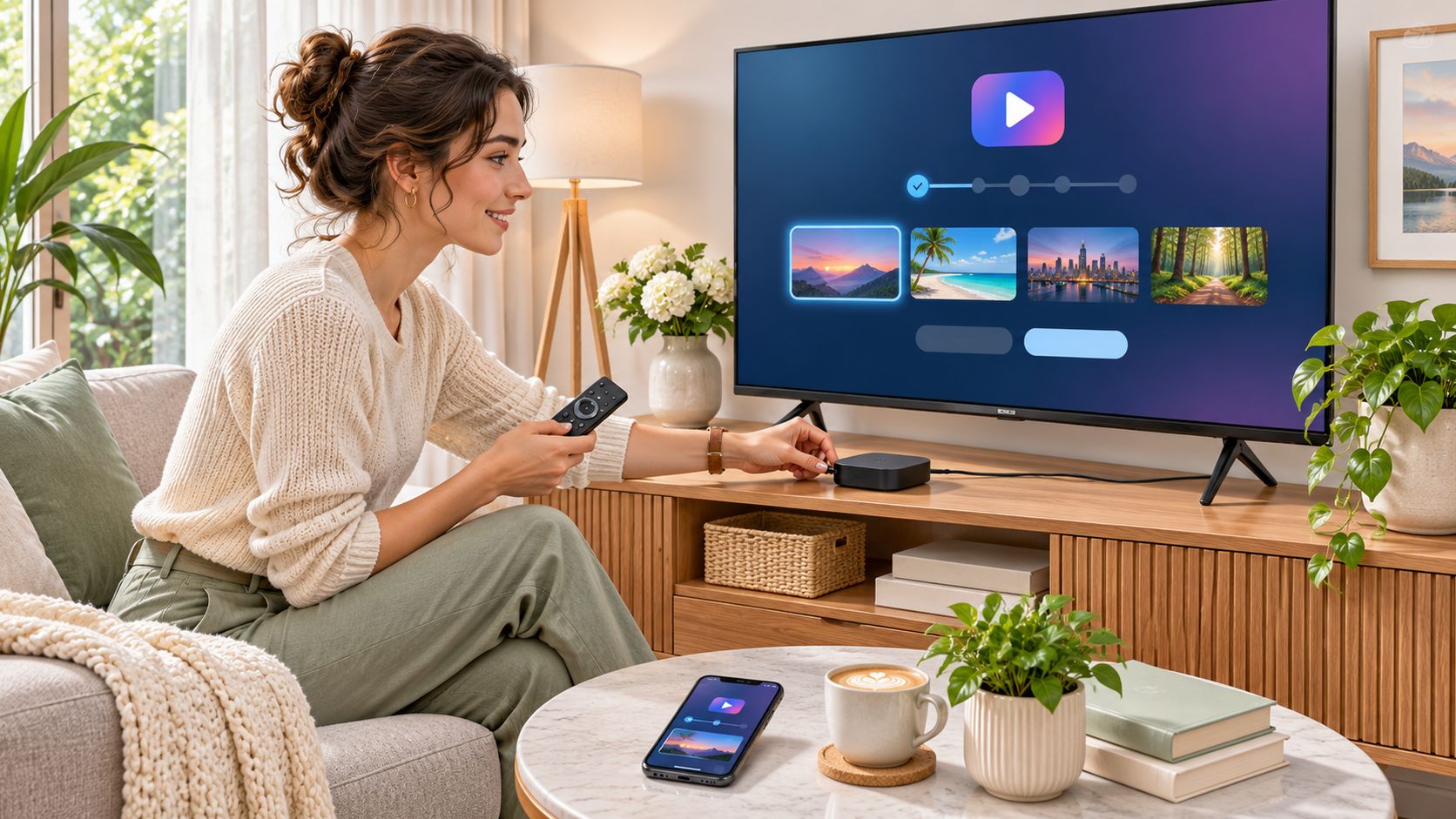
Once your IPTV free trial credentials arrive in your inbox, getting WATCHING FORCES running is the easy part. You are really just doing three things: choosing a player that works with your gear, entering your activation details, and pressing play.
Select the Right Player
Before you install anything, check the current device guide. The service supports Smart TVs, Android boxes, Firestick, MAG boxes, Formuler, Chromecast, Apple TV, Roku, phones, tablets, and laptops, though the right app depends on your model.
Follow the guide written for your specific model instead of borrowing settings from a different device. A Samsung TV and a Firestick in the same living room can need completely different players, including options such as TiviMate, IBO, VIVO, or BOB Player.
Enter Your Activation Details
With the player installed, type in the credentials exactly as sent. Some players ask for a server address, username, and password, while others use an M3U playlist or Xtream Codes login.
A practical test: set up the Firestick on the TV first, then open the same account on your phone. You will quickly see whether the picture holds up on a smaller screen and a different connection.
Practical tip: Keep the email with your credentials open until every device is working. It makes re-entering details much easier.
Verify the Service
Successful activation means your channel guide loads and content from your package plays. Browse live TV, open a few on-demand titles, and note anything missing. Gaps usually reflect package inclusions, not a setup problem.
If you see an error, compare your player choice and entered details against the device guide. You will find more help in the WATCHING FORCES IPTV setup guide.
Convert M3U Playlists Safely
An M3U playlist and Xtream Codes both deliver channel information to compatible players, just in different formats. For viewers with authorized access, WATCHING FORCES provides an M3U-to-Xtream Codes converter to simplify setup.
Converting a playlist does not grant content rights, and playlists from unknown sources can contain unwanted software or dead links. Use only playlists you are authorized to use.
Record Your Results
Before your 24-hour test ends, note what happened. Which devices worked? Did the guide load properly? How did playback perform during peak evening hours?
That record removes guesswork when deciding whether to subscribe. Ready to begin? Check the current offer and installation resources through WATCHING FORCES.

Think of the 24-hour trial as a proper test drive. Do not just scroll.
Open a live Canadian channel first, then switch to an international one. If a game is on, watch several minutes. Finish with a movie or on-demand episode — ideally in a language your household uses.
Test What You Actually Watch
WATCHING FORCES carries thousands of live channel options, covering Canada, the United States, the United Kingdom, France, Germany, and other language markets. Skip random surfing and follow your normal routine.
Hockey fan? Watch a live game and check stability. French-speaking household? Open familiar channels and check whether they load directly. Note guide speed, picture steadiness, and audio sync. That tells you far more than a channel count.
What to Test During the 24 Hours
Here is a simple way to use those 24 hours without wasting them:
| Content to Sample | What to Watch For | How to Judge the Result |
|---|---|---|
| Live TV | Guide loads quickly and picture remains steady | Good fit if both feel reliable |
| Sports | Event plays with consistent sound and picture | Useful only if coverage matches your interests |
| Movies | Title starts and remains watchable | Judge the specific title and device |
| International channels | Familiar language and programme are available | Confirm the catalogue fits your household |
| Multiple streams | Two programmes run on separate devices | Check only if your package allows it |
Test during a normal evening, not at 2 a.m. when few people are online. You will get a more realistic view of performance.
Be Realistic About Sports Coverage
Sports are included in the catalogue, but that does not mean every league or club app is covered. Review the actual channels available during the trial.
A trial is a useful snapshot, not a promise of perfect uptime or every picture format.
If your plan includes multiple connections, try two devices at once during busy evening hours. Then review WATCHING FORCES before deciding.
When your IPTV free trial buffers or stalls, do not dismiss the service immediately. Most issues are local and minor.
Change one setting at a time so you can identify the cause.
Resolve Buffering Quickly
Seeing the spinning wheel? Pause large downloads first. Then close extra streams running in the background.
Try the same channel on another device — your phone is useful for a quick comparison. WATCHING FORCES points to locally hosted servers, fibre connections, load balancing, and 24/7 monitoring to support stability, though no setup can promise zero buffering.
- Check your Wi-Fi signal and overall connection before changing settings.
- Test once during quiet hours, then again during peak evening use.
- Compare your speeds against our guide to IPTV internet speed requirements.
Resolve Login and Channel Issues
Logins are exact. Type your username and password exactly as shown in the email, watching for capitals and extra spaces.
Also confirm you are using the correct setup guide. Samsung, LG, Firestick, and mobile apps do not all work the same way.
- Missing a channel? Check whether it is included in the package you selected.
- Open other channels to determine whether it is one feed or the whole list.
A missing channel does not mean the trial failed. Often it reflects package limits or a temporary feed issue.
Check Quality and Contact Support
If the picture looks soft, it may be the source, your TV settings, or your connection. Not all content is produced in 4K or 8K.
Compare the same show at the same time on two devices. If it plays well on your phone but not on the TV, that is a useful clue.
If needed, contact WATCHING FORCES by email or WhatsApp. Help is described as available around the clock for account-specific issues.
A good IPTV free trial should leave you with a clear yes or no, not a rushed upgrade. Weigh what you saw against how your home watches TV: live channels, sports, movies, and international programmes.

Review the Results
Continue only if the channels you care about played smoothly on the devices you use most. During the trial, note any issues:
- Buffering or streams dropping at busy times
- Missing channels or empty guide data
- Menus that were difficult to browse
- Picture quality below your expectations
Then consider whether those were one-off issues or a pattern. Channel count alone can mislead; the better test is whether the lineup matches what your family actually watches.
Your decision should reflect your household viewing habits, devices, and budget.
Confirm the Current Terms
Before paying, review the current prices in Canadian dollars (CAD) at WATCHING FORCES. Confirm applicable taxes and read the subscription terms closely.
WATCHING FORCES describes its paid plans as having no contract or automatic payment, plus a seven-day money-back period. Treat any dollar figure, bonus month, or player-licence offer seen elsewhere as subject to change until confirmed on the site.
Match Connections to Your Household
If people watch simultaneously, one connection may not be enough. Compare the one-to-five connection options with your household needs so everyone can watch different programmes without interruption.
Ready to move forward? Review current packages through WATCHING FORCES, or ask an account question through WhatsApp support.
Table of Contents
- What You Actually Get With the Trial
- How to Get Set Up and Streaming
- WATCHING FORCES 24-Hour Trial at a Glance
- Check the Content Scope
- Compare Costs Before Committing
- Select the Right Player
- Enter Your Activation Details
- Verify the Service
- Convert M3U Playlists Safely
- Record Your Results
- Test What You Actually Watch
- What to Test During the 24 Hours
- Be Realistic About Sports Coverage
- Resolve Buffering Quickly
- Resolve Login and Channel Issues
- Check Quality and Contact Support
- Review the Results
- Confirm the Current Terms
- Match Connections to Your Household
- IPTV Free Trial FAQ for Canadian Viewers
IPTV Free Trial FAQ for Canadian Viewers
How Long Does the IPTV Free Trial Last?
WATCHING FORCES provides a 24-hour IPTV free trial with HD-channel access. No credit card or payment is required.
Use those 24 hours properly. Browse live TV, watch part of a game, try a movie in the evening, and explore international sections on your own setup. Keep the credentials email handy — one incorrect character can prevent login.
Which Devices Can You Test the IPTV Free Trial On?
You can test on most devices Canadian households already own:
- Smart TVs, Android boxes, Firestick, MAG boxes, Formuler
- Chromecast, Apple TV, Roku, phones, tablets, and laptops
Install a player compatible with your device and follow the matching installation guide before entering your login.
Does the Trial Include Third-Party Streaming Services?
No. The trial covers the WATCHING FORCES catalogue — live IPTV channels and on-demand shows and movies. It does not unlock Netflix, Disney+, or other third-party apps.
Sports coverage is also limited to the authorized catalogue. Review the channel list to confirm the leagues and programmes you follow are included.
What Should You Do if Playback Will Not Start?
Retype your credentials exactly as shown in the email. Confirm you installed the correct player and followed the guide for your specific device.
Still stuck with time left in your 24 hours? Contact support by email or WhatsApp promptly.
Send your device model, app name, and when it failed — and never post passwords publicly.
For account questions, you can also use the website.
How Do You Decide After the Trial Ends?
Compare trial performance, CAD pricing, connection limits, and support responsiveness. If the service performed well during peak hours and the catalogue fits your household, review current plans and renewal terms before subscribing.
Explore WATCHING FORCES to review the trial, device list, and installation resources before starting.

No Responses