
Your living-room Android TV is ready for the evening match, the bedroom Apple TV needs the same channels, and someone wants to watch the news on a kitchen laptop. Installing the same IPTV app everywhere sounds sensible, until you discover that it doesn't run on every screen or accept the login details you've received.
The best IPTV stream players match your hardware, your source format and the way you browse television. An IPTV player organises and plays streams supplied by a service. It doesn't supply channels, establish content rights or turn a subscription into unlimited simultaneous connections.
That distinction matters in Canadian households mixing conventional television with online viewing. The CRTC's broadcasting report found that IPTV service penetration increased from 20% of Canadian households in 2019 to 35% in 2023.
Before choosing an app, identify what you've received:
- M3U or M3U8: A playlist address or file containing stream entries.
- Xtream-compatible login: Usually a server address, username and password entered into separate fields.
- XMLTV: Programme-guide information, not the television streams themselves.
For a remote-controlled television, prioritise a readable guide and predictable navigation. For a mixed-device household, prioritise platform coverage and compatible logins. These picks compare players and apps, not channel packages, with the trade-offs organised around the screens you already own.
Table of Contents
- 1. TiviMate
- 2. Sparkle TV
- 3. Smarters Pro
- 4. Televizo
- 5. IPTVX
- 6. UHF
- 7. iPlayTV
- 8. Smart IPTV (SIPTV)
- 9. Kodi with PVR IPTV Simple Client
- 10. VLC
- How the ten IPTV stream players compare by platform and playlist support
- Choosing the Right IPTV Player for Your Household
1. TiviMate
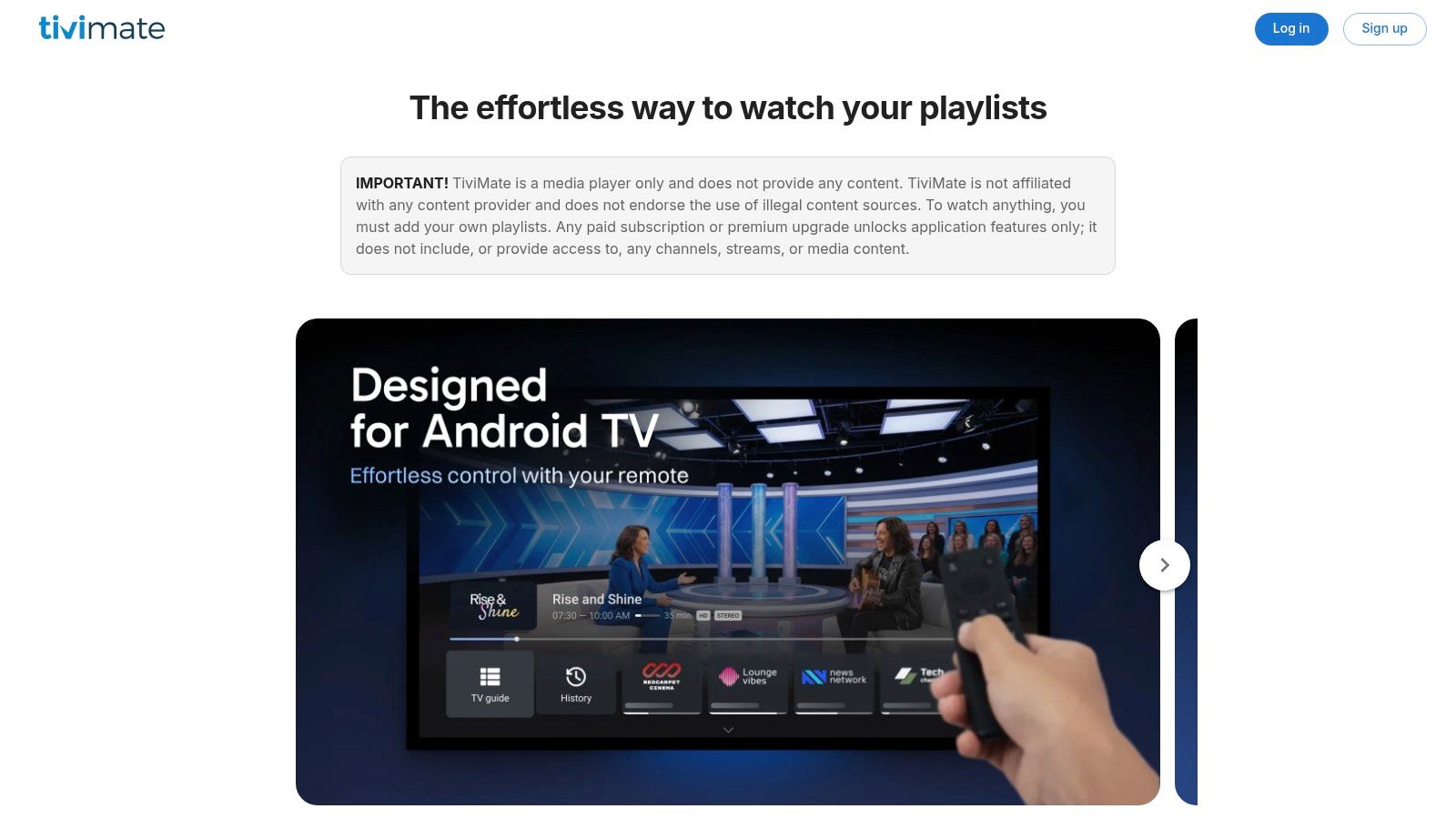
TiviMate is a strong fit for an Android TV or Google TV that's used mainly for live television. Its interface puts the channel guide, favourites and remote navigation ahead of phone-style menus.
The TiviMate developer website describes an Android TV player with multiple playlists, search and channel-organisation tools. Premium features include recording, catch-up, multiview and parental controls, but the app itself doesn't provide channels.
Where It Fits Best
Choose TiviMate when the living-room television is the main viewing screen and everyone expects familiar channel browsing. Confirm whether you're importing a playlist or entering a supported provider login before starting, then check the guide mapping rather than assuming every channel will identify itself correctly.
- Main advantage: Remote-friendly browsing makes everyday live-TV use less fiddly than navigating a mobile app on a television.
- Main limitation: It isn't optimised for phones or tablets, so it won't solve an entire mixed-device household.
- Purchase check: Confirm current Premium features and purchase options with the developer before paying.
Recording and multiview also need suitable storage and enough permitted streams. A player feature can't override subscription connection limits or create catch-up programmes that the source doesn't offer.
Use the WATCHING FORCES TiviMate setup guide for Canadian Android TV users when configuring the television. Get ordinary playback working before adding recording or extra viewing windows.
2. Sparkle TV
A household with an Android television, a home media server and a network tuner needs more than a basic playlist reader. Sparkle TV suits that combination, bringing several television sources into a remote-controlled interface.
According to the Sparkle TV website, supported inputs include M3U, Xtream Codes and XMLTV, alongside Plex, Jellyfin, HDHomeRun and Tvheadend. It targets Android TV, Google TV and Fire TV rather than Apple or native Samsung and LG television systems.
- Useful flexibility: Combine internet playlists with compatible server or tuner sources.
- Paid capabilities: Plus adds features including DVR recording, timeshift, VOD and multiview.
- Practical starting point: Use the free version to check navigation and source compatibility before considering Plus.
The Storage Trade-Off
Timeshift and recording sound straightforward until the television device runs short of usable storage. Check the recording destination, available space and whether the device can keep that destination accessible while you watch.
Practical rule: Test pause, resume and a completed recording before relying on a player to save a live event.
Sparkle TV makes particular sense when you already maintain home television equipment. If your only requirement is opening a basic channel playlist, its broader source support may add settings you'll never use.
It also won't give the bedroom Apple TV a matching native app. Choose it for the Android-based screens, not as a universal household interface.
3. Smarters Pro
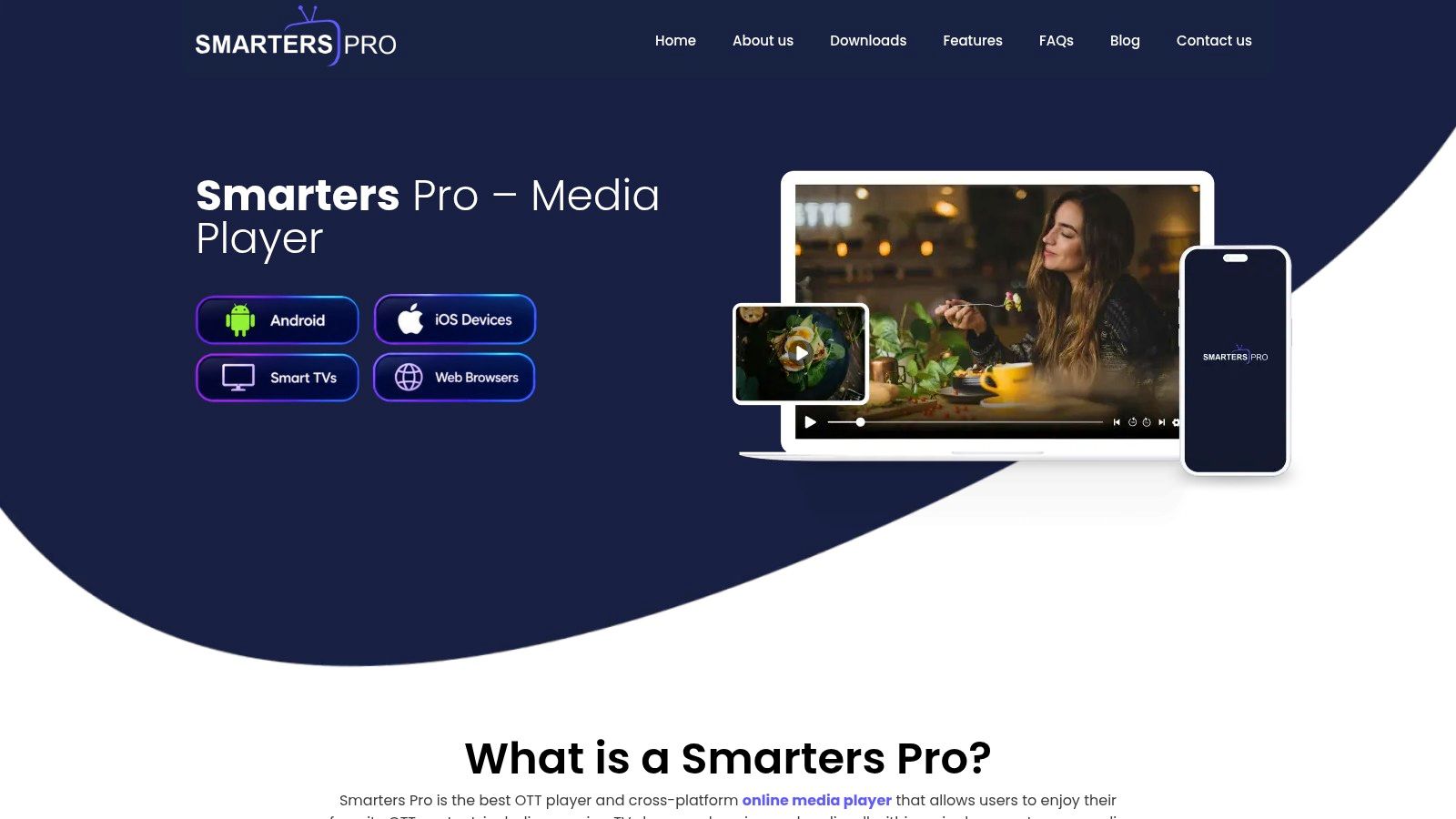
Smarters Pro is worth considering when your household uses different types of screens. Its appeal is a familiar approach to live television and on-demand browsing across supported versions, rather than a television-only interface.
The official Smarters Pro website lists versions for several mobile, television and desktop platforms. It accepts user-supplied M3U playlists and compatible API logins, with live TV, movies and series sections when the connected source supplies them.
Broad Coverage Doesn't Mean Identical Features
EPG, catch-up, picture-in-picture and multi-screen capabilities vary by platform and version. Don't assume a feature visible on an Android device will appear in the same place, or exist at all, on another system.
For a household moving between a television and laptop, test the tasks people repeat: opening favourites, finding tonight's programme and returning to a recently watched channel.
- Best use: A mixed-device setup that benefits from recognisable navigation.
- Source dependency: Catch-up and programme details require the relevant information from the service.
- Buying caution: App access and in-app charges can differ between platforms.
Login problems often start with entering the right information into the wrong login screen. A playlist URL isn't interchangeable with separate server and account fields.
The WATCHING FORCES Smarters Pro login troubleshooting guide helps distinguish entry problems from playback problems. Never post a screenshot containing your password or complete private playlist address.
4. Televizo
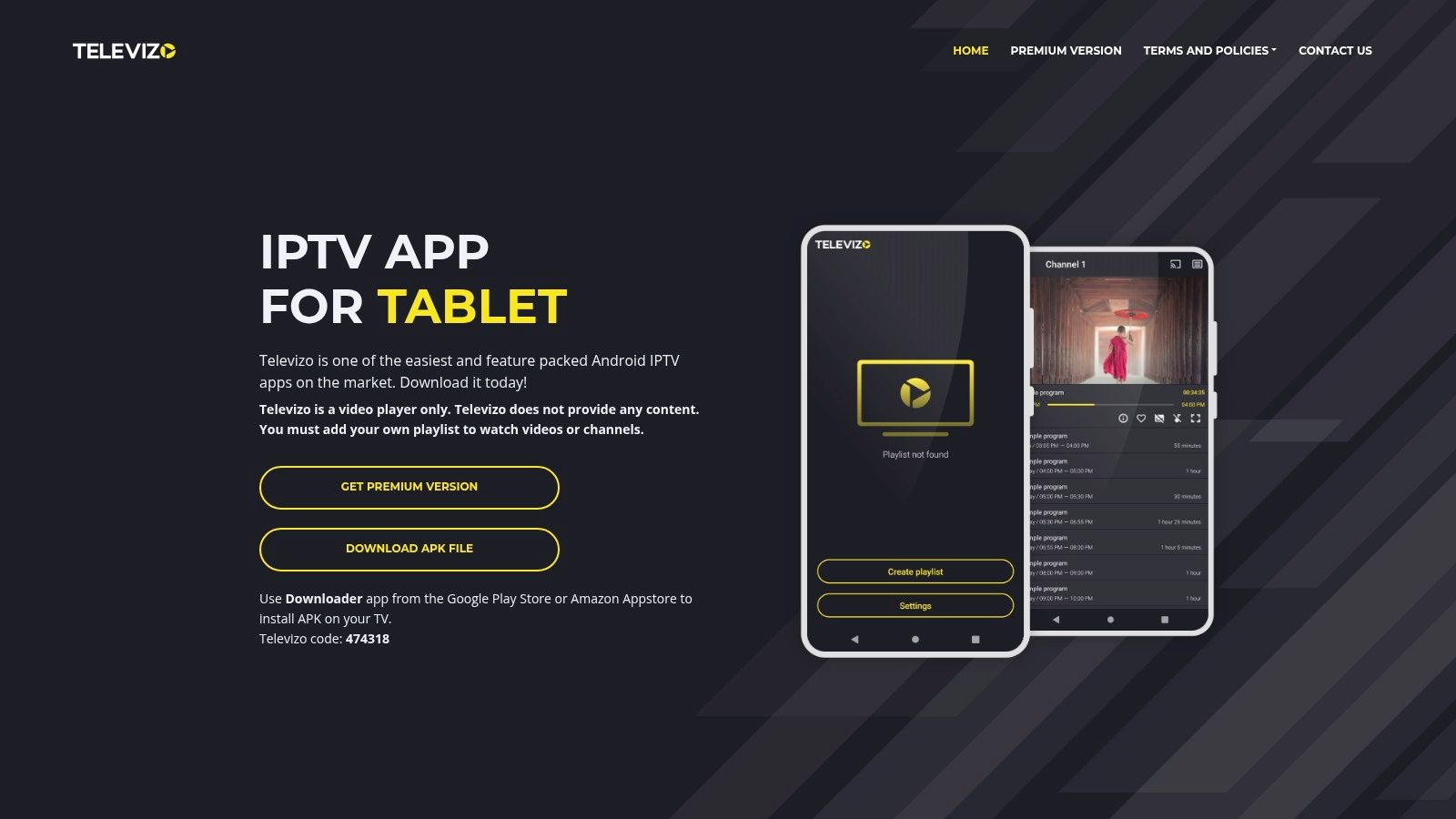
For an Android tablet in the kitchen and a compatible television elsewhere, Televizo offers a more flexible starting point than a strictly TV-first player. It provides everyday playlist browsing without requiring a full media-centre installation.
The Televizo developer website presents multiple-playlist and EPG support, favourites, search, sorting and parental controls. It also supports Chromecast and selection of available audio, video and subtitle tracks.
- Good fit: Android phones, tablets and compatible TVs.
- Useful controls: Search and favourites help reduce time spent scrolling through large channel lists.
- Clear limitation: There's no native Televizo player for iPhone, Apple TV or Samsung and LG television operating systems.
Check Language Tracks Before Casting
For English, French or international programming, test the desired audio and subtitle tracks on the Android device first. Then cast the same programme and confirm those selections remain available on the receiving screen.
Casting isn't the same as installing a native television app. It adds another device and playback path to troubleshoot, which matters when different household members expect the television to work independently.
Catch-up and guide information still depend on the source. Free access may include advertising or in-app purchases, so check the current listing before settling on it.
I'd choose Televizo for Android portability, not for a household trying to standardise Apple and Android screens under the same app.
5. IPTVX
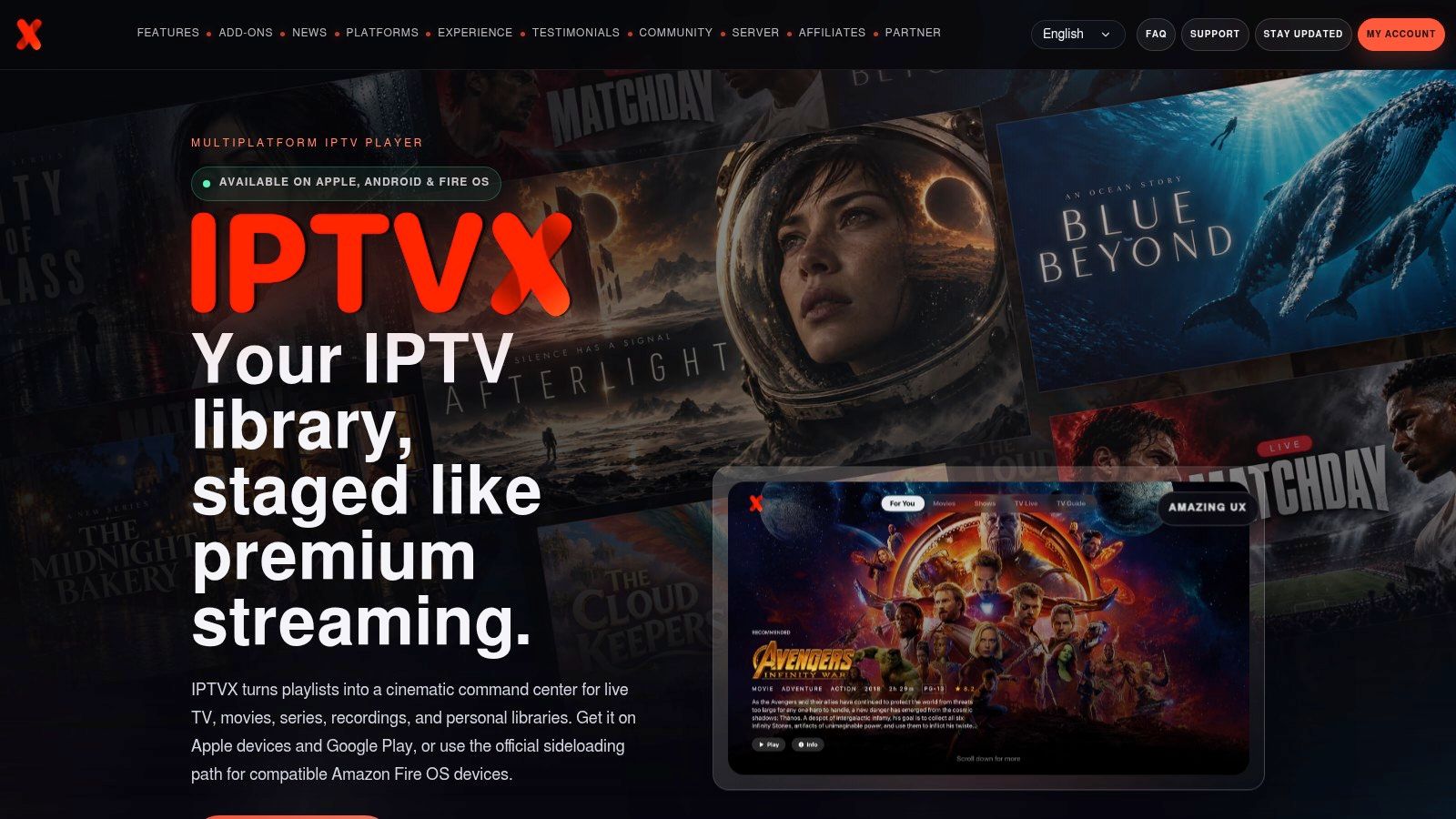
IPTVX suits the Apple TV household that also watches on iPhone or iPad. Its library-style presentation is more appealing when viewers switch between live channels, films and series rather than staying inside a conventional programme guide.
The IPTVX website lists Xtream API, M3U/M3U8, Plex and SMB sources, along with iCloud synchronisation, multiple playlists and family-sharing features. EPG, archive or catch-up support, picture-in-picture and AirPlay are also part of its feature offering.
Presentation Depends on the Source
An attractive library needs usable titles, artwork and programme metadata. If the source supplies inconsistent names or missing descriptions, IPTVX can't reliably turn that into a polished catalogue.
- Main strength: Apple-focused organisation across compatible devices.
- Purchase consideration: Some premium functions require in-app purchases or a subscription.
- Playback consideration: Advertised HDR formats require compatible media, playback equipment and display settings.
A polished poster wall is useful, but readable captions and dependable audio-track selection matter more during an actual programme.
Check current platform support rather than assuming an Apple-focused app will cover an Android television too. Likewise, synchronising app data doesn't increase the number of streams your service permits.
For a bedroom Apple TV, IPTVX is a sensible shortlist choice when the viewer wants both live television and organised on-demand browsing. For a basic channel-only setup, its discovery features may be more than you need.
6. UHF
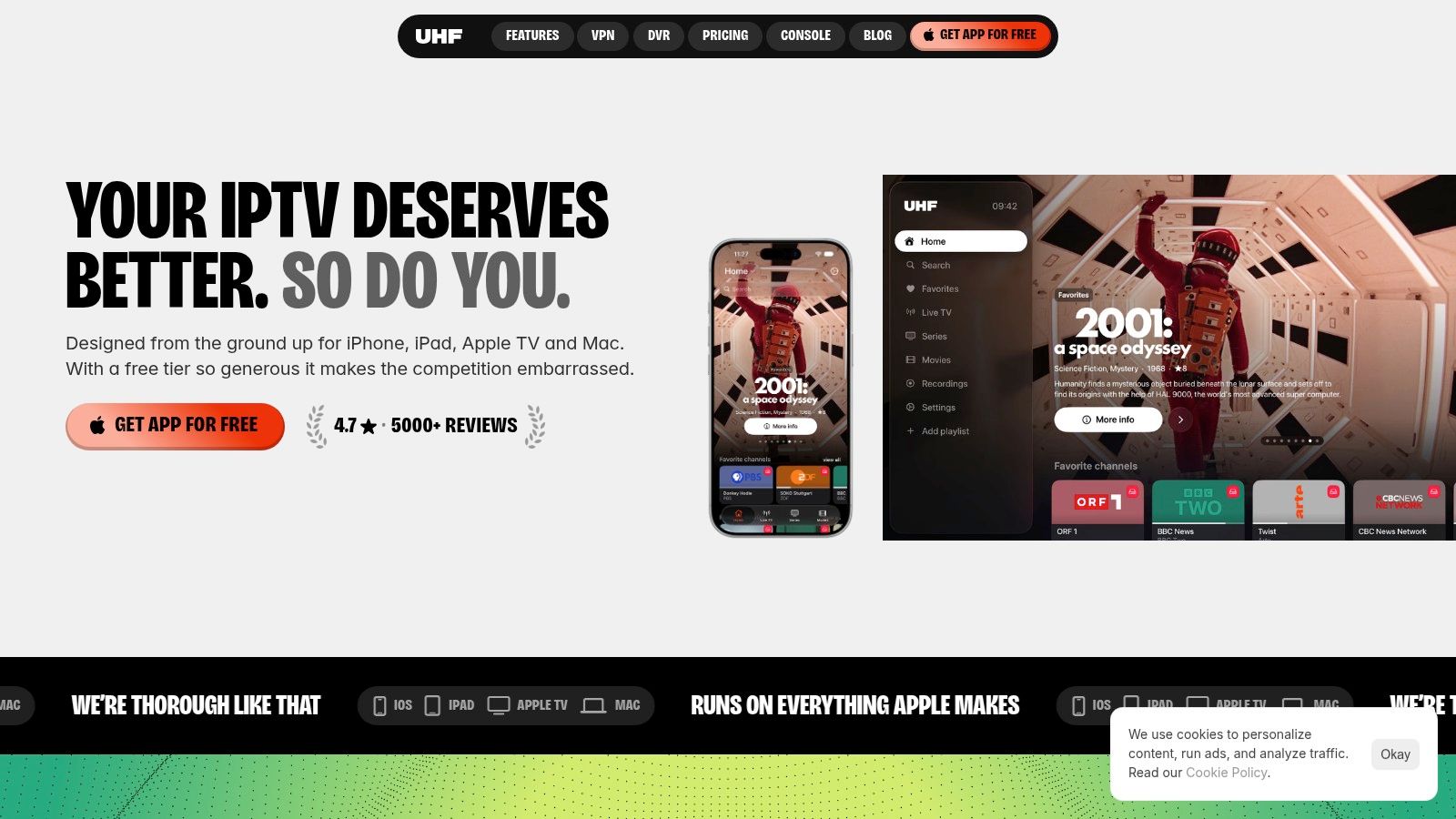
Already running Plex, Jellyfin or Emby? UHF deserves attention before you install a separate app for every source. Its Apple-focused approach suits viewers who want IPTV playlists and an existing media library within a television-friendly browsing environment.
The UHF developer website lists support for M3U8, Xtream, Plex, Jellyfin and Emby. It also promotes Apple TV browsing, companion-app functionality and local-network recording features, subject to the equipment and setup involved.
More Integration Means More Setup
UHF's broader appeal comes with a practical responsibility: each connected source needs to work correctly. A media-server authentication problem and an expired IPTV login are different faults, even when both appear inside the same app.
Start by adding the source you use most. Confirm playback, search and audio behaviour before connecting the rest.
- Best match: Apple TV owners with a media server already in use.
- Equipment dependency: HDR and Dolby-format playback require compatible source media and equipment.
- Poor match: Households relying mainly on Android TV, Fire TV or native Samsung and LG apps.
Local-network recording also needs a properly configured destination and available storage. Don't assume installing the app alone makes recording ready.
Check the current app listing for feature access and pricing. UHF makes the most sense when you'll use its integrations; a simpler Apple TV player is easier to maintain if you only need a channel guide.
7. iPlayTV
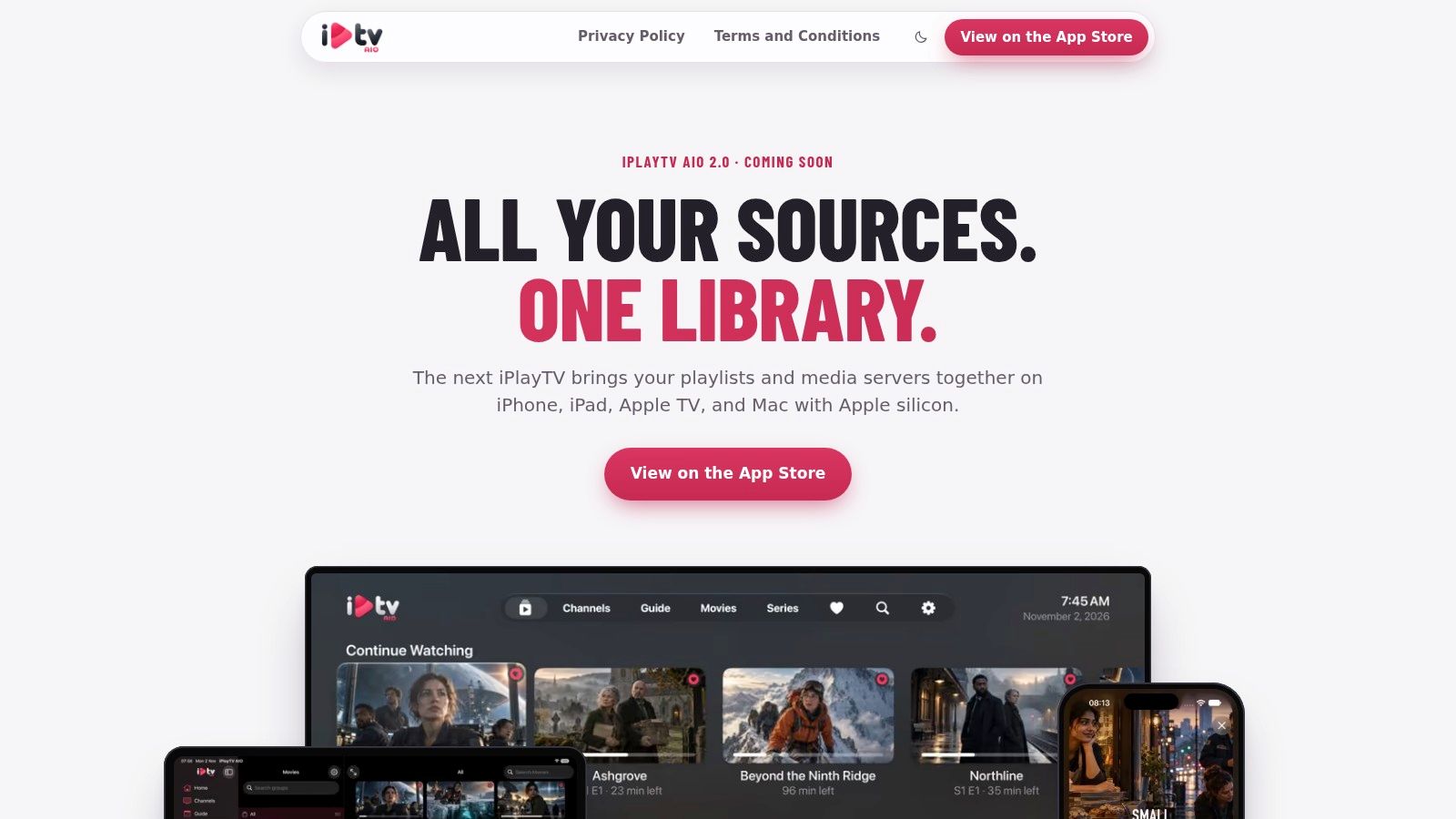
Not every Apple TV needs a media hub. iPlayTV is the more focused choice for viewers who want playlists, favourites and a programme guide without managing unrelated libraries.
The iPlayTV website describes support for remote or uploaded playlists and Xtream Codes, alongside EPG, channel search, previews and AirPlay. Catch-up is available when the connected source provides it.
- Primary benefit: Navigation is built around Apple TV rather than adapted from a phone interface.
- Household limitation: It's an Apple TV choice, not a cross-platform solution.
- Purchase model: Check the current App Store purchase listing rather than relying on an old quoted price.
Choose Simplicity Deliberately
For a bedroom television, simpler navigation can be the deciding factor. Test whether the viewer can find favourites, read programme details and return to the guide without remembering a sequence of gestures.
Channel previews are convenient, but they still depend on the source and permitted stream usage. If playback changes when previews are enabled, compare behaviour with that feature switched off.
Programme-guide accuracy also deserves attention. Check that the device time zone is correct and that the guide entries correspond to the channel you're watching.
I'd shortlist iPlayTV when Apple TV is the only target screen and live-channel browsing is the main task. Choose IPTVX or UHF instead when library organisation or media-server integration is central to the setup.
8. Smart IPTV (SIPTV)
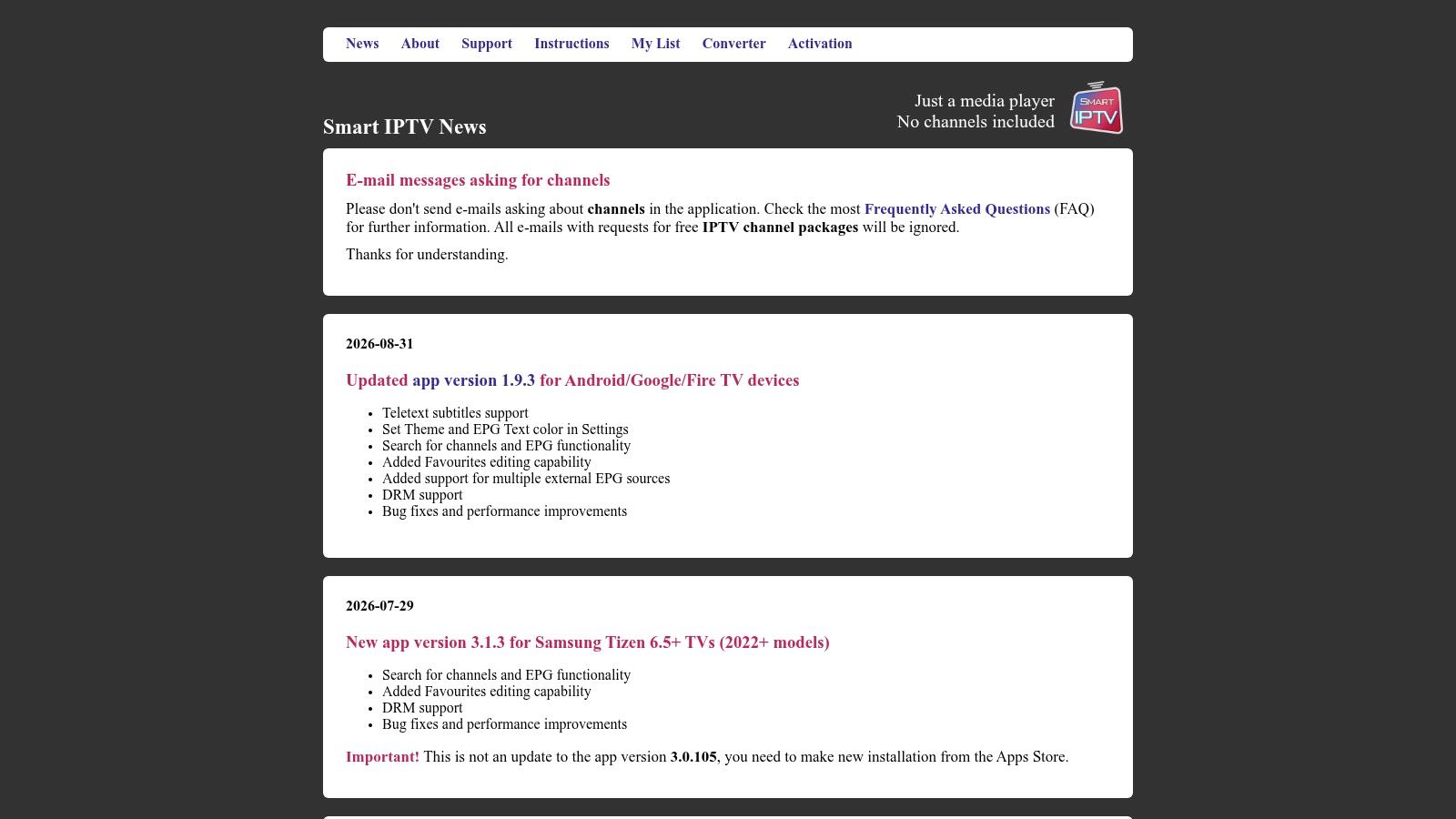
Smart IPTV can avoid the need for a separate streaming box, provided your television supports it. That qualification matters more than the Smart TV label printed on the packaging.
The Smart IPTV developer website provides playlist-management tools for supported televisions, with playlists and EPG data managed through its website. App availability depends on the television brand, model and region.
Check the TV Before Activating
Find the app in the television's own store and verify the exact model's compatibility first. A Samsung or LG television doesn't automatically support every app available on another model from the same manufacturer.
Website-based playlist management is useful when entering a long address with a remote would be tedious. Use only the developer's official management page and keep account-bearing playlist URLs private.
- Main advantage: Direct playback on a compatible television without another box or remote.
- Separate expense: Player activation is distinct from the content subscription.
- Interface trade-off: It's less suited to viewers expecting an elaborate films-and-series discovery experience.
Accessibility needs its own test. The CBC/Radio-Canada submission on accessibility barriers discusses the distinction between online services and accessibility features controlled by televisions, devices and remotes.
Check caption readability, focus visibility and remote usability inside the app. A television that opens a stream isn't necessarily a television everyone in the household can use comfortably.
9. Kodi with PVR IPTV Simple Client
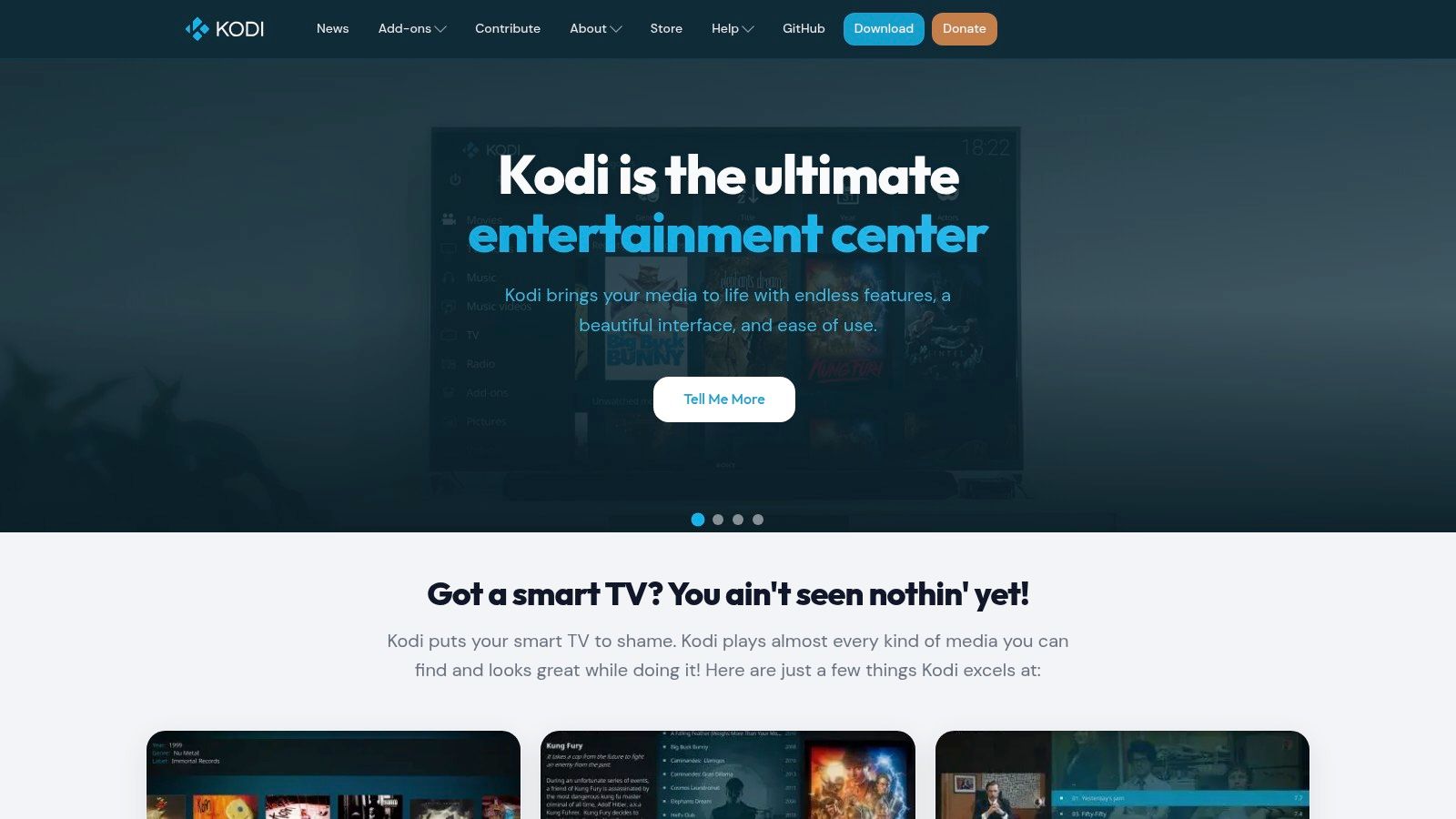
Kodi is a good fit for a desktop or television box that already serves as a local-media centre. It's less convincing when someone wants the shortest route from installation to live television.
The official Kodi website provides the free, open-source media centre for platforms including Android, Windows, macOS and Linux. Its official PVR IPTV Simple Client add-on uses M3U playlists and XMLTV guides to populate live-TV browsing.
Keep the Installation Official
Install PVR IPTV Simple Client through Kodi's own repository. You don't need an unofficial channel bundle to configure an authorised playlist.
- Useful combination: Local films, music and supported live streams within the same media centre.
- Format constraint: Simple Client doesn't accept every provider-specific login method.
- Maintenance cost: Guide mapping, source paths and playback settings require more attention than a dedicated app.
If you've received separate server and account fields, confirm that a compatible playlist is available before choosing this route. Don't paste credentials into unrelated add-ons hoping they'll translate the login.
Kodi and the official client don't supply channel rights or a television subscription. Keep the media-centre software separate from the question of whether your source is authorised.
For an enthusiast's Windows or Linux machine, the flexibility is useful. For a shared television used by people who don't want to maintain settings, TiviMate or a focused Apple TV player is usually easier to hand over.
10. VLC
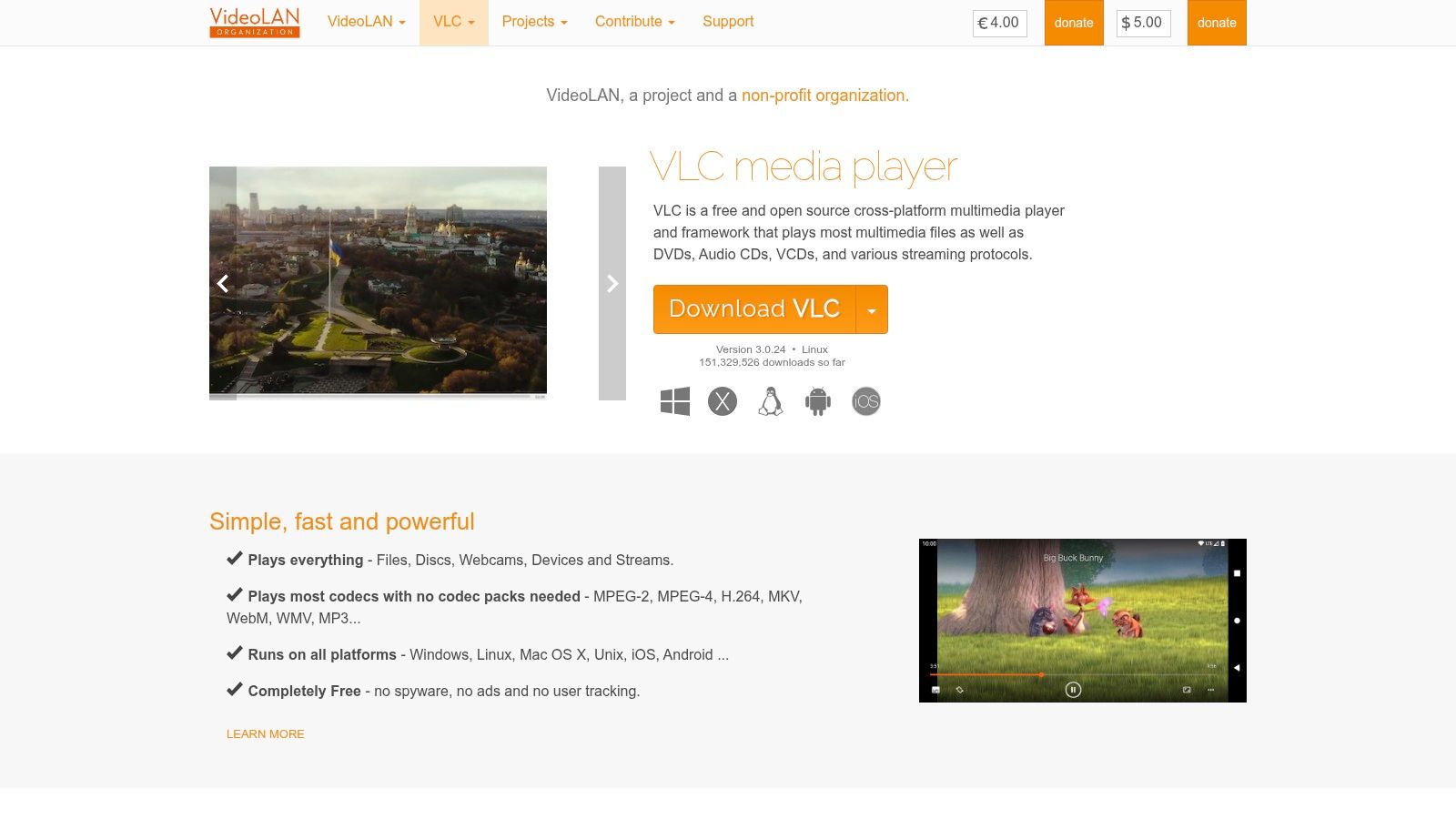
When a channel won't open on the television, VLC is a useful diagnostic tool on the laptop. It helps establish whether a compatible stream link plays outside the television app.
The official VLC website provides a free, open-source player across desktop and mobile platforms, with broad media-format and streaming-protocol support. There's no player subscription or activation fee, but there are no included channels either.
Use It to Isolate the Fault
Open the authorised stream through VLC's network-stream option on a Windows or Mac computer. Keep the computer on the same home network when comparing it with the television.
- Plays in VLC but not the TV app: Investigate device decoding, app settings and format compatibility.
- Fails in both places: Check the URL, account status, permitted connections and source availability.
- Plays but stutters: Compare wired networking with Wi-Fi and reduce competing household traffic.
Successful playback in VLC narrows the problem. It doesn't prove that every television app can decode the same stream.
VLC isn't a replacement for a proper living-room guide. Browsing channel categories and programme schedules with a remote is less convenient than using a TV-first player.
Use the WATCHING FORCES VLC and M3U playback guide for the desktop workflow. Keep private URLs out of public screenshots because they can contain account credentials.
How the ten IPTV stream players compare by platform and playlist support
| Item | Main platforms | Playlist formats | Best for |
|---|---|---|---|
| TiviMate | Android TV, Google TV | Multiple playlists; specific formats not stated | TV-remote browsing and channel organization |
| Sparkle TV | Android TV, Google TV, Fire TV | M3U, Xtream Codes, XMLTV | Combining IPTV with home media servers or tuners |
| Smarters Pro | Mobile, TV, desktop | M3U, compatible API logins | Using live and on-demand media across devices |
| Televizo | Android phones, tablets, compatible TVs | Multiple playlists; specific formats not stated | Everyday live-TV browsing on Android |
| IPTVX | Apple platforms | Xtream API, M3U/M3U8, Plex, SMB | Apple households using live TV and media libraries |
| UHF | Apple platforms, with Apple TV focus | M3U8, Xtream, Plex, Jellyfin, Emby | Apple TV users with IPTV and media-server libraries |
| iPlayTV | Apple TV | Remote or uploaded playlists, Xtream Codes | Simple playlist and guide browsing on Apple TV |
| Smart IPTV (SIPTV) | Supported smart TVs | Playlists; specific formats not stated | Playing playlists directly on a compatible smart TV |
| Kodi with PVR IPTV Simple Client | Android, Windows, macOS, Linux | M3U, XMLTV | Kodi users comfortable with a configurable setup |
| VLC | Desktop and mobile platforms | Broad media formats and streaming protocols | Basic stream playback and troubleshooting |
Choosing the Right IPTV Player for Your Household
Match the player to the screen before comparing extras. TiviMate suits remote-first Android TV viewing; Sparkle TV adds useful tuner and server integrations; Televizo covers Android phones, tablets and compatible TVs.
For Apple TV, choose between IPTVX's library presentation, UHF's media-server integrations and iPlayTV's narrower channel-focused approach. Smarters Pro belongs on the shortlist for mixed-device households, while SIPTV depends on the exact television model. Kodi suits configurable media-centre setups, and VLC remains useful for desktop playback and fault isolation.
Confirm the Format, Then Test Playback
Check whether your source supplies an M3U playlist, Xtream-compatible credentials or another access method. Add the guide separately where required, then test a live channel before importing every favourite or configuring recordings.
Network conditions deserve the same attention as app choice. The CRTC's telecommunications market report states that average monthly residential internet data consumption doubled between 2019 and 2024, with growth linked partly to gaming and HD and 4K subscription video.
Test at the intended viewing location, not just beside the router. If buffering appears, compare Ethernet with Wi-Fi, stop unnecessary background transfers and check whether the problem affects every channel or only a particular source.
- For sports: Check motion, audio synchronisation and recovery after a brief network interruption.
- For multilingual viewing: Verify French, English and other required audio tracks, captions and search behaviour.
- For shared households: Confirm permitted simultaneous streams before enabling multiview or background previews.
Keep Player Purchases Separate from Content Rights
None of these players includes a channel package just because you install or activate it. A licence buys access to player functionality, not automatic access to sports rights, premium channels or unrelated streaming platforms.
The International Intellectual Property Alliance's Canada report discusses enforcement against unauthorised IPTV operators. Verify the service's legal identity and its authority to distribute the programming you want; device compatibility and picture-quality labels don't establish permission.
Check each developer's current platform support, feature access and pricing before purchasing. For our setup or subscription assistance, contact WATCHING FORCES support with your television model, player name and login format, but don't send passwords in an initial enquiry. Confirm whether a trial is currently offered and whether you're eligible before making it part of your decision.
WATCHING FORCES offers internet-delivered live television, sports, movies and international entertainment, with installation resources for supported household screens. Visit WATCHING FORCES to review device guidance and subscription options, then confirm the player and login format that fit your setup before activating it.

No Responses